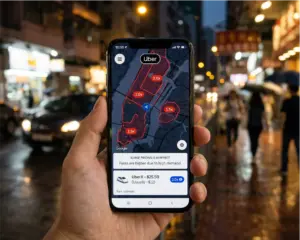
That sinking feeling hits the moment the Uber pulls away. Your phone, your wallet, your laptop bag, your kid’s stuffed animal — whatever it was, it’s now riding off into the night in the back seat of a stranger’s car. The good news is that recovering a lost item in an Uber is almost always possible if you act fast and follow the right steps. The bad news is that most riders fumble the first 30 minutes, which is exactly when recovery is easiest. This 2026 guide walks you through the exact process — what to do, what to pay, and what to do if your driver does not respond.

The First 5 Minutes: What to Do Immediately
The single most important factor in recovering a lost item is speed. Drivers complete multiple trips per hour. The longer you wait, the more passengers sit in that seat, the harder it becomes to prove the item was yours, and the more likely it is to fall, slide, or be moved entirely.
Stop and Confirm What You Lost
Before you panic, do a quick mental inventory. Check your pockets, your bag, the bench you sat on at the airport, the restaurant you just left. A surprising number of “lost in Uber” items are actually still on the rider’s person or at the previous location. Once you have confirmed the item really did stay in the car, move immediately to the in-app recovery flow.
Open the Uber App and Find the Trip
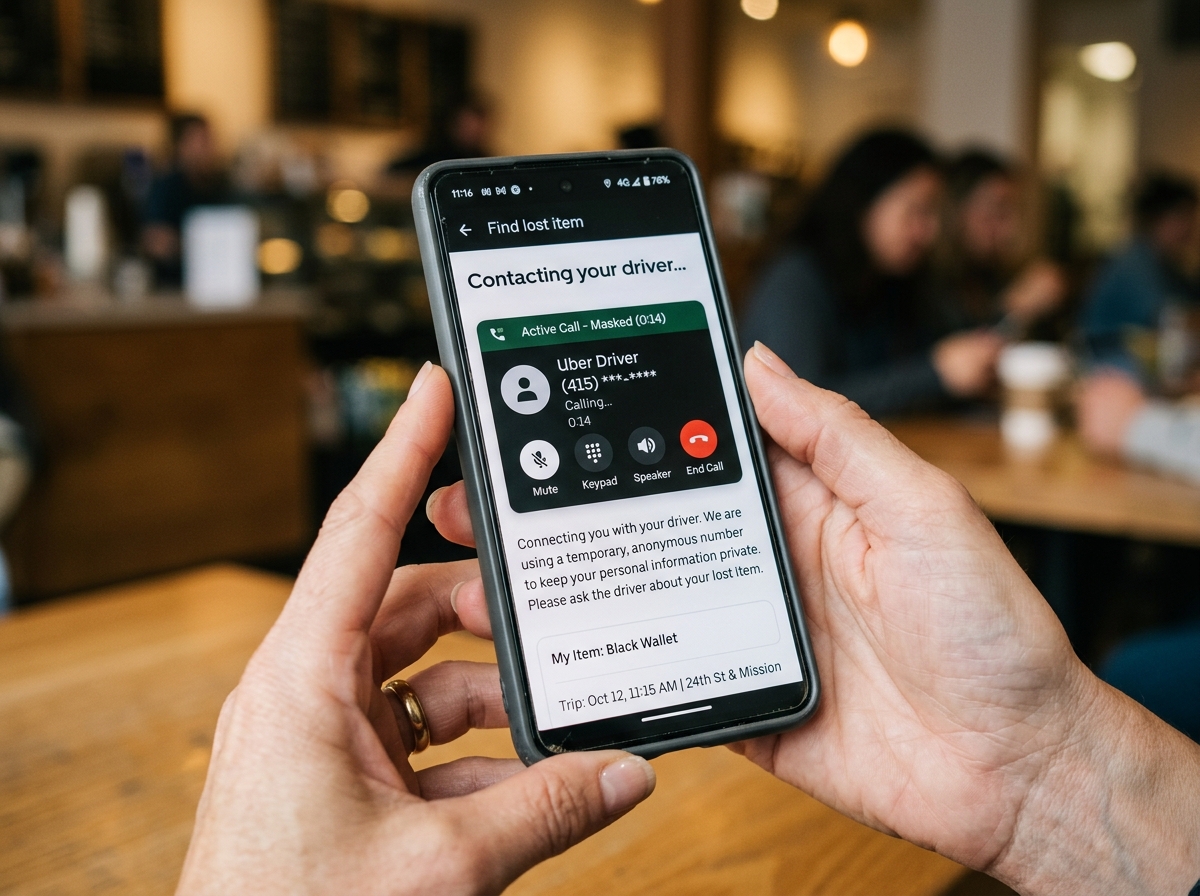
Do not search through your contacts trying to find a way to call the driver directly — the app handles that for you through a masked, time-limited number. Open your Uber app, tap “Activity” at the bottom of the screen, select the trip you just took, scroll down, and tap “Find lost item.” This pulls up a support flow that will let you contact your driver through Uber’s secure system.
The Official Uber Lost Item Recovery Process
Uber has formalized lost item recovery into a clear three-step process that works the same way in nearly every U.S. city. Here is what to expect.
Step 1: Contact the Driver Through the App
Once you tap “Find lost item,” Uber will prompt you for a callback number. After you enter one and confirm, the system will place a masked call between you and the driver. Your real numbers stay hidden on both sides. According to Uber’s official help page, drivers may be mid-trip and unable to answer right away, so be patient. If the call goes to voicemail, leave a short, clear message — what the item is, when you rode, and a callback number.
Step 2: Arrange a Mutually Convenient Drop-Off
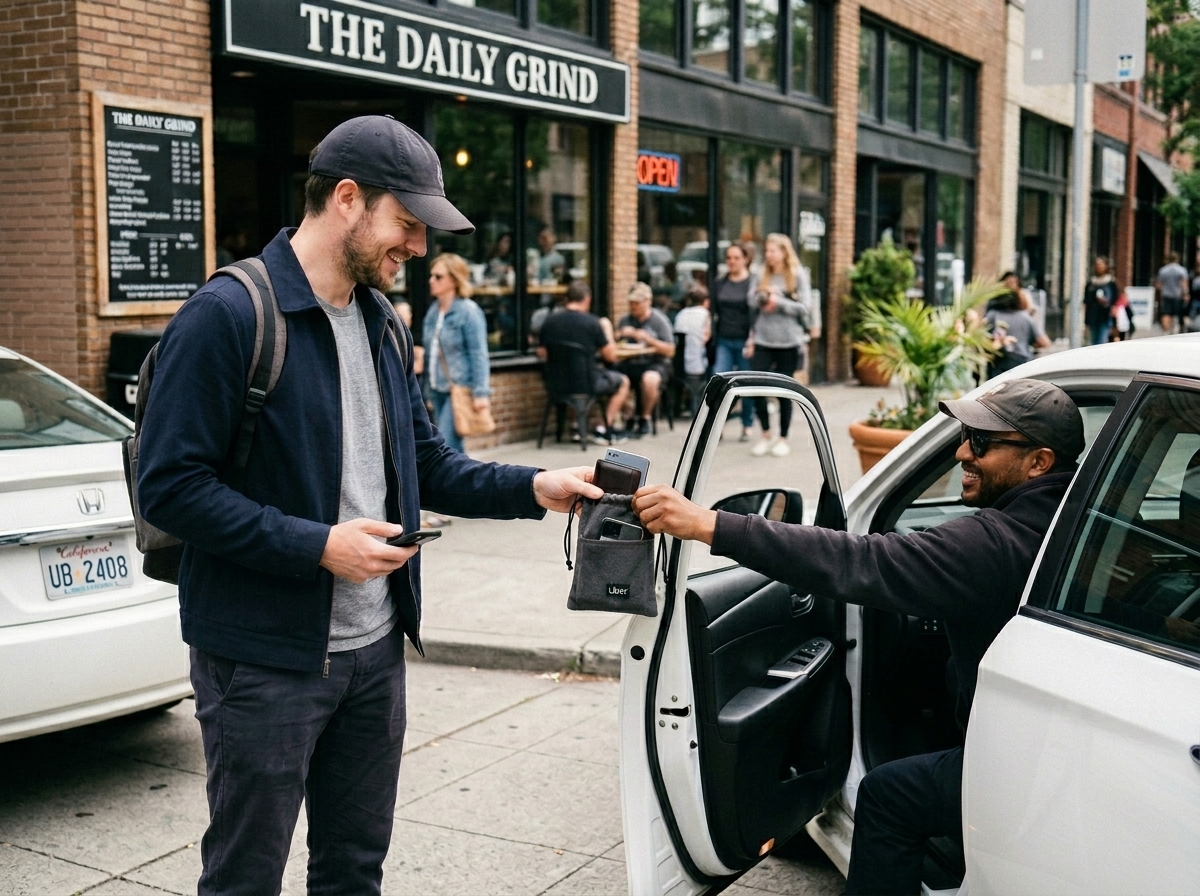
If the driver confirms they have your item, the next step is logistics. Be flexible. Drivers are typically out earning fares and cannot drop everything to drive across town. Suggest a public meeting point that works for both of you — a gas station, a coffee shop, a hotel lobby. If the item is high-value (a phone, laptop, or wallet), meet in a well-lit, public place and bring identification.
Step 3: Confirm the Return in the App
This step matters more than most riders realize. After the item is returned, you need to confirm receipt in the app. That confirmation triggers the return fee charge — and drivers do not receive payment for their time unless you confirm. If you forget this step, your driver loses their compensation for the trip across town, which they will remember the next time someone leaves something behind.
How Much Does It Cost in 2026?
Uber charges a flat lost item return fee in the United States, currently $20 per recovered item. The entire fee is passed directly to the driver — Uber does not take a cut. This is meant to compensate the driver for the time they spend off the road returning your belongings.
When the Fee Applies (and When It Does Not)
The fee only applies when the driver confirms they have the item and physically returns it to you. If the item was never in the car, if the driver cannot find it, or if you cancel the recovery, you are not charged. The fee is also waived in certain circumstances at Uber’s discretion — for example, if the driver caused the loss by ending the trip early or dropping you somewhere unexpected.
Should You Tip the Driver Too?
Tipping on top of the return fee is optional but appreciated, especially if the driver went significantly out of their way or returned a high-value item quickly. A $5 to $10 tip is standard for a same-day return. For a phone or wallet, riders frequently tip more.
What to Do if the Driver Does Not Respond
Roughly one in five lost item attempts ends with an unresponsive driver, at least initially. Here is the escalation path that actually works in 2026.
Try Again After 30 to 60 Minutes
Many drivers are simply between trips and cannot answer immediately. Wait an hour, then try again. If your item is a phone, ask a friend or family member to call it directly. Some drivers will answer a ringing phone in the back seat even if they have ignored Uber’s masked call.
Use Uber’s “Driver Not Responding” Option
If you have tried twice over the course of a few hours with no luck, return to the lost item flow and select “My driver is not responding.” This escalates the case to Uber’s support team, who can reach the driver through other channels and, in some cases, dispatch additional help.
Consider Reporting to Local Authorities
For high-value items (electronics, identification documents, prescription medication), filing a police report creates a paper trail that protects you legally and can help if you later need to dispute charges or replace stolen property. Combine this with Apple’s “Find My” or Google’s “Find My Device” if the lost item is a smartphone — both tools can pinpoint the device location within meters.
Pro Tips That Most Riders Miss
The official Uber process works, but there are a few unofficial habits that dramatically improve your odds.
Take a Habit Photo Before You Get Out
Make it a routine: every time you exit an Uber, glance at the seat and floor before closing the door. This 2-second habit prevents 90 percent of lost item incidents. Some riders snap a quick photo of the back seat as they exit, which also doubles as proof if any later dispute arises about car condition.
Mark Your Belongings
An old-school tip that still works in 2026: put your name and a callback number inside your wallet, on a label inside your laptop bag, or on the back of your phone case. Honest drivers can return your item even if the app system fails.
Know Your Rights
It is worth being clear about what Uber will and will not do. Uber facilitates contact between you and the driver but does not provide insurance, reimbursement, or replacement for lost items. If your driver claims they do not have the item, Uber will not compel them to hand it over. That is part of why acting fast — and being polite during outreach — matters so much.
Final Thoughts: Speed and Politeness Win
Recovering a lost item in an Uber is genuinely one of the more user-friendly support flows the company offers, but it still depends on two things working in your favor: how quickly you act, and how cooperative your driver is. The riders who recover their belongings fastest are the ones who notice within minutes, contact through the app instead of trying to bypass the system, propose a convenient meeting time, and confirm the return promptly so the driver gets paid.
If you ride regularly, it is also worth knowing the rest of Uber’s safety and rider tools — from app-based features that protect your wallet to in-app settings that protect your safety. The more you know about the app before something goes wrong, the better positioned you are when it does. Lose your phone tomorrow, follow the steps above, and there is a strong chance you will have it back by dinner.